PM Surya Ghar application status in UP: what each stage means and the official time limits
By BL Solar Solutions · Reviewed by Aditya KumarUpdated · 9 sources
In this article (6 sections)
Your PM Surya Ghar application moves through eight stages on the national portal, and its status shows where it is: feasibility approval, vendor selection, agreement upload, installation details, DISCOM inspection, commissioning, subsidy request and subsidy disbursal. Some steps have official time limits. Homes up to 10 kW do not need a feasibility study, the DISCOM should commission your system within 15 days, and the central subsidy should be processed within 15 days of the DISCOM's approval. The UP state subsidy is released after the central subsidy. These limits are the rules, not a forecast for your own case. Below, each stage is explained with who has to act, the limit that applies, and whom to contact when a stage runs past it.
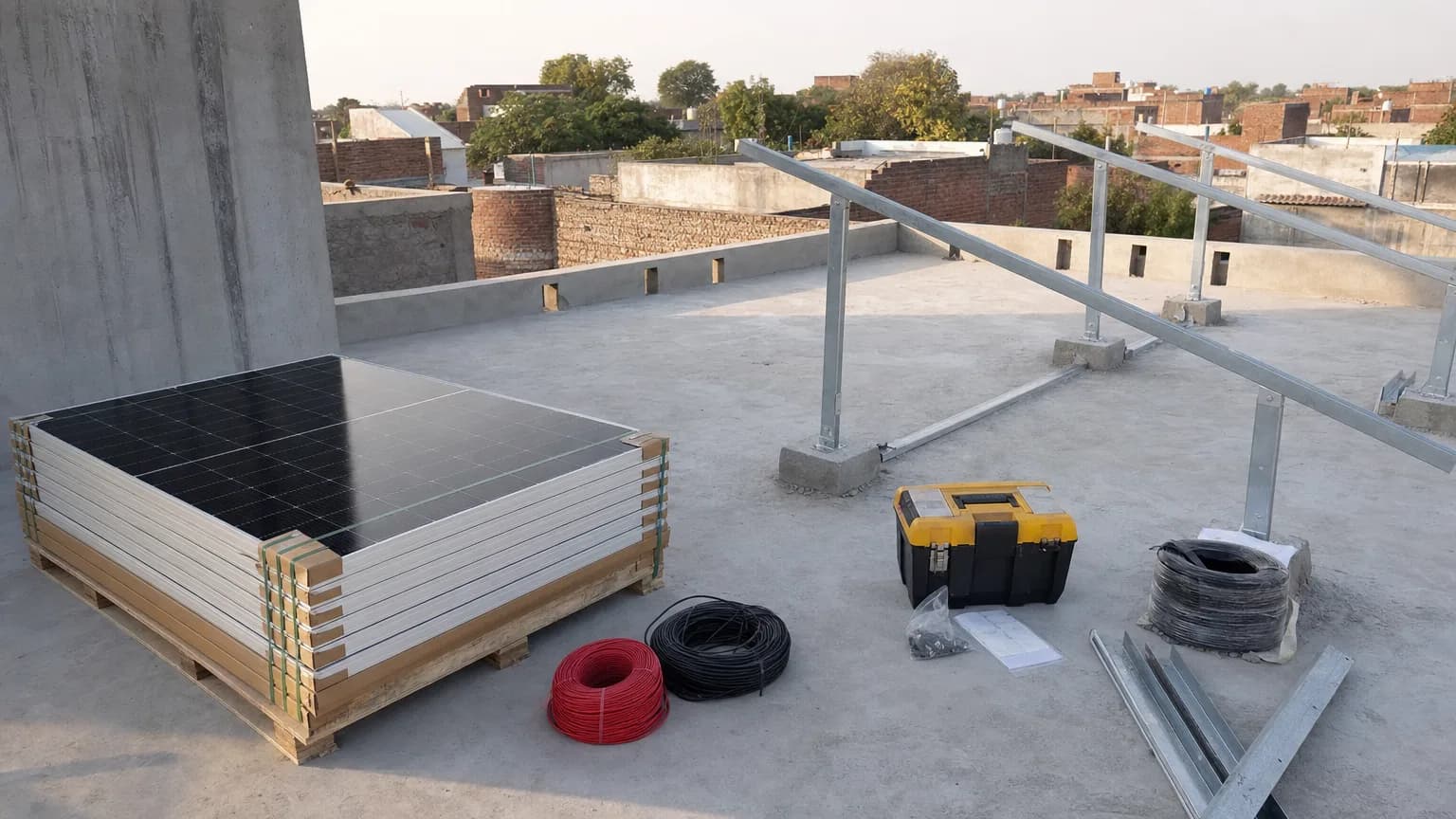
PM Surya Ghar application status stages, in order
The names below are the ones shown in the application tracker in the portal's consumer user manual. Your account may word them slightly differently.
Stage | What it means | Who acts next |
|---|---|---|
Application submitted | You, or a vendor you allowed to fill the form, submitted the application. The portal gives it an application ID. | DISCOM |
Feasibility Approval | The DISCOM confirms your connection can take the system. Up to 10 kW, the application is deemed accepted without a feasibility study. | DISCOM |
Vendor Selection | You pick a vendor registered on the portal. You can change your vendor only until the vendor uploads your agreement. | You |
Upload Agreement | The vendor uploads your vendor-consumer agreement, with the total cost. Since September 2026 you must approve it in your own login. Until you do, the status shows "Agreement sent to Consumer for Confirmation" and the vendor cannot upload installation details. | You, then the vendor |
Solar Installation Details | The vendor installs the system and fills in the details, including geo-tagged photos and the DCR undertaking (proof the panels are made in India with Indian cells). The vendor sends them to you. You check them and submit them to the DISCOM, or send them back for correction. | Vendor, then you |
Inspection | The DISCOM inspects the system, signs the net metering agreement with you and fits the net meter. It then approves the application, sends it back for corrections, or rejects it with reasons. | DISCOM |
Project Commissioning | The DISCOM commissions the system, which means it is formally connected and running. | DISCOM |
Subsidy Request | You add your bank details and click "Redeem Subsidy" in your login. The portal shows a validation checklist that should be all green. | You |
Subsidy Disbursal | The central subsidy is paid to your bank account, or to your loan account if you took a loan through the portal. | Government |
UP state subsidy | UPNEDA, the state's renewable energy agency, releases the state's share after the central subsidy has been paid. | UPNEDA |
Two steps catch people out. First, the agreement now waits for your approval, so check your login and SMS after the vendor uploads it. Second, the subsidy is not paid automatically: you must submit bank details and redeem it yourself. The name on your bank account must match the name on your electricity bill.
Illustration (AI-generated, not a real application): paperwork for a rooftop solar application. The stages and official time limits are listed in this section.
Official time limits
Where documents differ, the newer one is listed first.
Step | Official limit | Source |
|---|---|---|
Feasibility, up to 10 kW | No feasibility study needed. The application is deemed accepted. | UPERC letter to UPNEDA, May 2024; central Electricity (Rights of Consumers) Rules as amended in February 2024 |
Feasibility, above 10 kW | Study within 15 days, otherwise deemed feasible | Same |
Installation by the vendor | Within 90 days | UP Solar Energy Policy 2022 |
Vendor backlog | Vendors told not to hold applications for more than 60 days without a valid reason | Portal notice to vendors, 24 August 2026 |
Commissioning by the DISCOM | Within 15 days (cut from 30 days) | Electricity (Rights of Consumers) Rules, amended February 2024 |
Central subsidy | Processed within 15 days of the DISCOM's approval | MNRE scheme guidelines, June 2024 |
UP state subsidy | Released after the central subsidy is paid | UPNEDA, "How to Avail State Subsidy" |
Complaint on the portal | Resolved within 30 days | MNRE scheme guidelines |
The UP Solar Energy Policy 2022 also sets older limits for the DISCOM's steps: testing and net metering within 7 days of the meter deposit, the net metering agreement within 3 days, commissioning within 3 days of the agreement, and the joint commissioning report within 1 day. It gives 30 days for the central subsidy and 15 days for the state subsidy after that report. The policy predates PM Surya Ghar, and UPNEDA's current guidance says the state subsidy follows the central one.
If a stage runs past its limit
Check the step is not waiting for you. Approving the agreement and redeeming the subsidy are your steps, not the vendor's or the DISCOM's.
Ask whoever acts next, in writing, for a date. The stage table above shows who that is.
Raise a grievance on the national portal. MNRE's guidelines say grievances are to be resolved within 30 days, and each one gets a tracking ID.
For DISCOM steps in UP, contact the DISCOM's nodal officer for PM Surya Ghar or the UPNEDA helpline (see "Who to contact" below).
Why applications get stuck, and what to do
Name mismatch. The name on your bank account must match the name on your electricity bill. If it does not, get it corrected with the DISCOM or the bank first.
Agreement waiting for you. Log in and approve or reject the agreement. If you reject it, write the reason so the vendor can fix it.
Stuck at agreement upload. In August 2026 a portal notice named 66 vendors for deactivation because they held far more "Agreement Uploaded" applications than they had shown they could install. Ask your vendor for an installation date in writing. If nothing moves, raise a grievance on the portal. Note that you can change vendor only before the agreement is uploaded.
Sent back for a capacity mismatch. Panels rarely add up to an exact kW figure. MNRE's March 2026 advisory to DISCOMs allows panel capacity up to 10% above the applied capacity, as long as the inverter's AC capacity does not exceed your sanctioned load. Example: six 540-watt panels make 3.24 kW for a 3 kW application, which is within 10%.
Defects found in a third-party inspection. The vendor has 15 days to upload proof that the defects are fixed. Ask your vendor whether your application has any open defects.
Subsidy not redeemed. After commissioning, log in, add your bank details and click "Redeem Subsidy". Nothing is paid until you do.
The deadline. The portal says the scheme closes on 31 March 2027. Do not leave your own steps, such as approving the agreement or redeeming the subsidy, until the last weeks.
Who to contact
Your vendor, for anything before the DISCOM inspection.
Grievance on the national portal (pmsuryaghar.gov.in). Each grievance gets a tracking ID.
National toll-free number 15555, shown on the portal.
UPNEDA Surya Ghar helpline 155243, Monday to Saturday, 9:00 am to 6:30 pm. For complaints, 1800 180 0005, Monday to Friday, 9:30 am to 6:00 pm.
DISCOM nodal officers for PM Surya Ghar, listed by UPNEDA: https://upneda.org.in/MediaGallery/Documents/DiscomeWiseNodalOfficers.pdf
Not sure what your status means?
Send a screenshot of your application tracker on WhatsApp to +91 92609 40733, with your name and consumer number hidden. We will tell you what the stage means and who needs to act next.
Related guides:
Sources
- PM Surya Ghar: Muft Bijli Yojana National Portal, home page, FAQ and consumer user manualpmsuryaghar.gov.in · Accessed 20 November 2026
- Ministry of New and Renewable Energy, Operational Guidelines for PM Surya Ghar: Muft Bijli Yojana, component "CFA to Residential Consumers" (7 June 2024, amended 7 July 2025 and 31 August 2026)pmsuryaghar.gov.in · Accessed 20 November 2026
- PM Surya Ghar National Portal notices of 25 March, 24 August, 23 September and 5 October 2026, under What's Newpmsuryaghar.gov.in · Accessed 20 November 2026
- Press Information Bureau, "Electricity (Rights of Consumers) Amendment Rules, 2024", 23 February 2024pib.gov.in · Accessed 20 November 2026
- Uttar Pradesh Electricity Regulatory Commission, letter to UPNEDA on technical feasibility for rooftop solar, May 2024 (hosted by UPNEDA)upneda.org.in · Accessed 20 November 2026
- Government of Uttar Pradesh, Uttar Pradesh Solar Energy Policy 2022 (hosted by UPNEDA)upneda.org.in · Accessed 20 November 2026
- UPNEDA, "How to Avail State Subsidy"upneda.org.in · Accessed 20 November 2026
- UPNEDA, home page (Surya Ghar helpline and complaint numbers)upneda.org.in · Accessed 20 November 2026
- UPNEDA, PM Surya Ghar page and DISCOM nodal officer listupneda.org.in · Accessed 20 November 2026
Related guides

BL Solar Solutions
Editorial Team
Published by BL Solar Solutions, a UPNEDA registered rooftop solar installer with 10+ years of experience in Uttar Pradesh.
Comments (0)
Share your thoughts and join the conversation
No comments yet
Be the first to share your thoughts!