Export units not showing on your UP bill? How to read a net meter and get it corrected
By BL Solar Solutions · Reviewed by Aditya KumarUpdated · 5 sources
In this article (7 sections)
Check the meter before you argue with the bill. Your net meter keeps two separate readings: import, the power you take from the grid, and export, the solar power you send to it. If the export reading on the meter keeps going up but your bill shows zero or too few export units, the meter is working and the bill is wrong, so ask your DISCOM for a bill correction. If the export reading does not move on sunny days while your panels are producing, the meter or its wiring has a fault, so file a meter complaint and ask for a meter test.
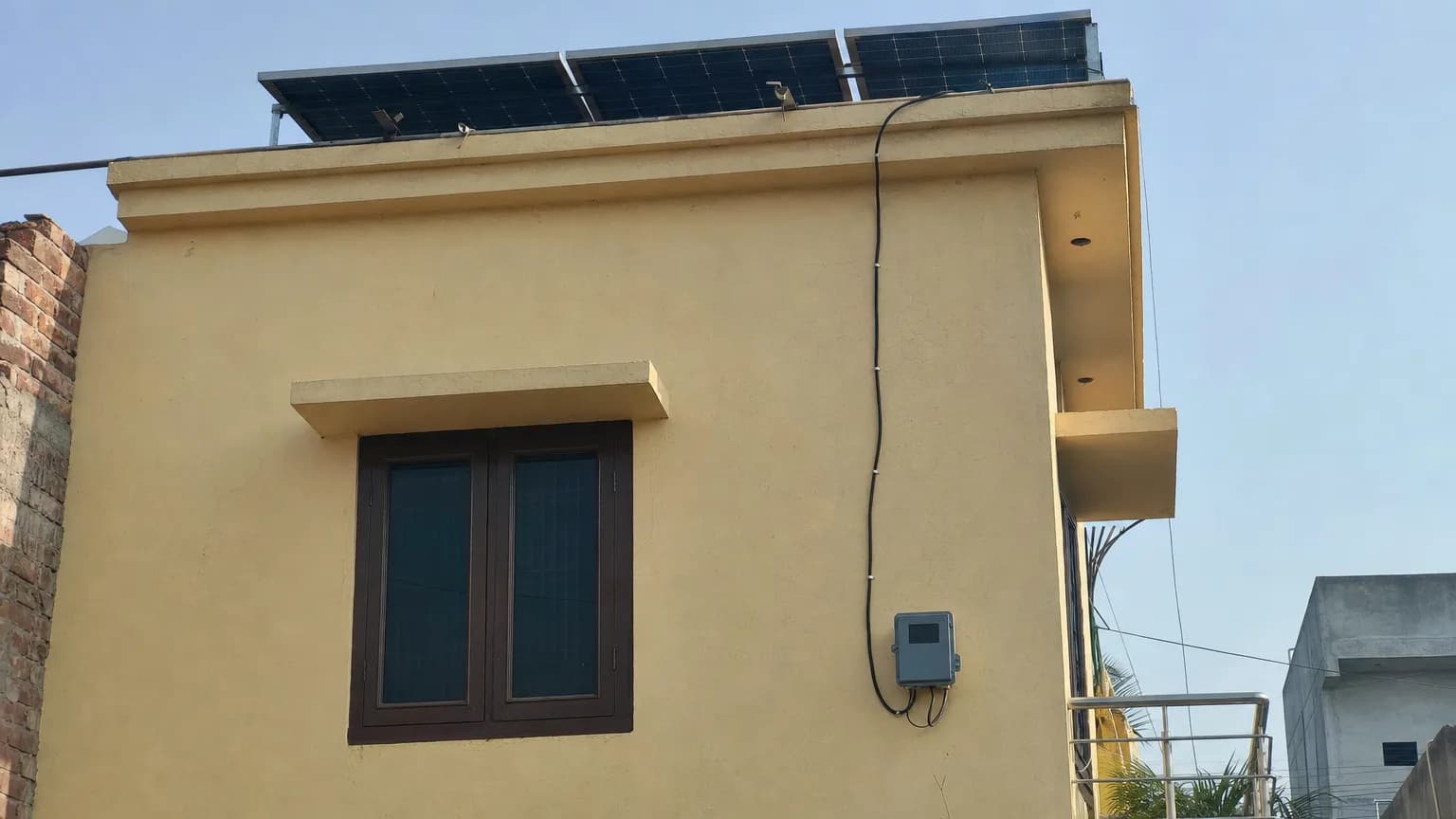
Five terms you will see
Import: units you take from the grid.
Export: units your solar system sends to the grid.
Register: a running total kept inside the meter. A net meter keeps one register for import and one for export. Both only go up, like a vehicle's odometer.
Net units: import minus export for the billing month. Your energy charge is based on this figure.
Closing Surplus Solar Units: export units left over after a month's settlement. UPPCL carries them to your next bill and prints them under this name.
Step 1: Read the export units on the net meter
MNRE's technical rules for PM Surya Ghar systems say the net meter or smart meter records both import and export units. You can read both on the meter's display.
Go to the meter around midday on a sunny day, when your panels are producing.
The display shows several readings one after another. Note every screen that shows a kWh value and the label next to it.
Photograph the import kWh screen and the export kWh screen. Your phone records the date and time.
Note the total generation shown on your inverter or its app.
Repeat after three or four sunny days. If the export reading has gone up, the meter is recording export.
Screen labels and their order differ by meter make. Do not guess which screen is which. When a meter is fitted or changed, ask the meter team to show you the import and export screens. UPPCL's smart meter FAQ asks solar consumers to check both readings when a smart meter is installed. Write the labels down and keep a photo.
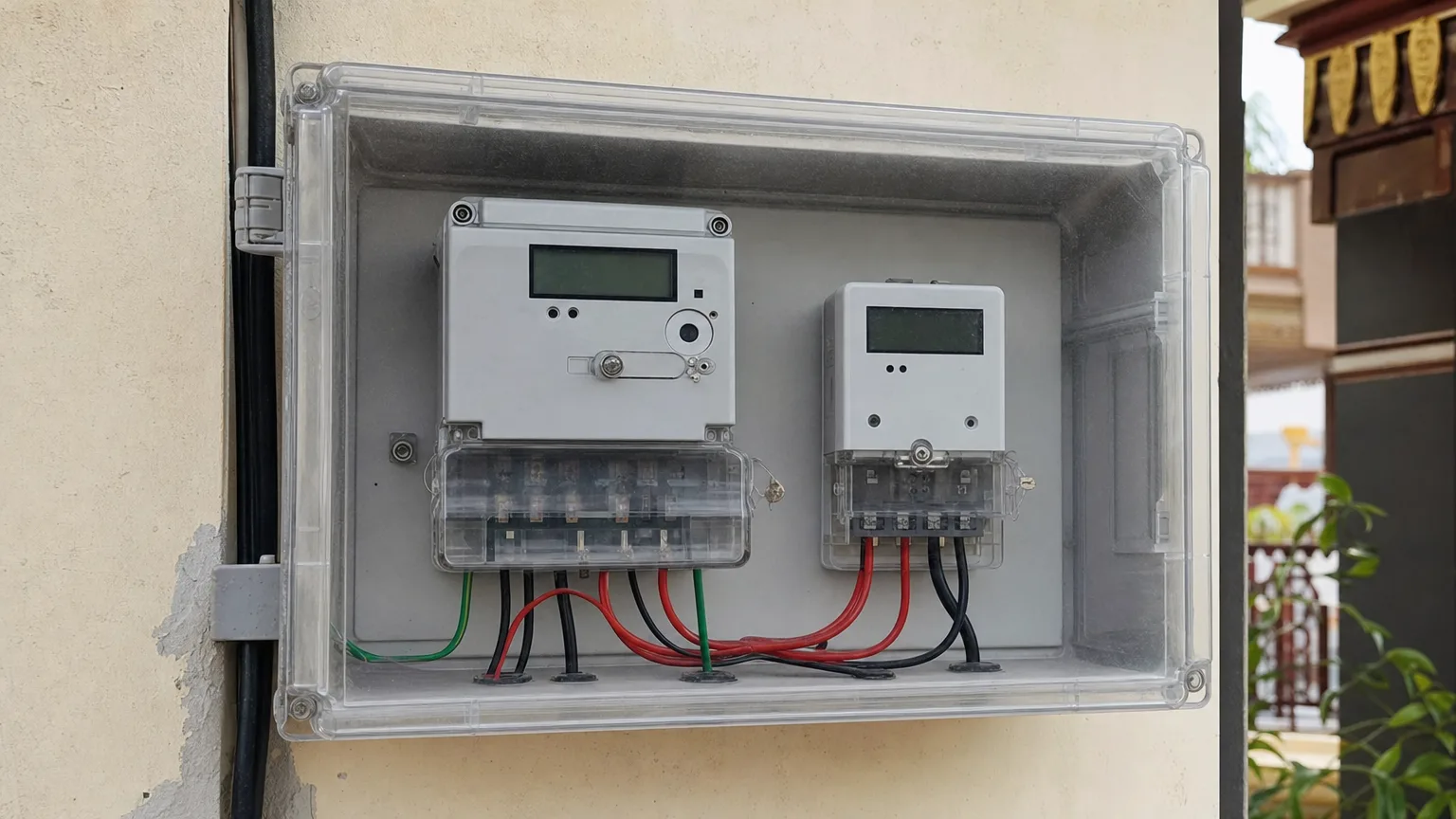
Illustration (AI-generated, not a BL Solar installation): a net meter beside a solar generation meter. How the import and export totals work is explained in this section.
Why export is lower than your inverter's generation. Solar power used in your house while the panels produce never reaches the meter. Only the surplus goes out to the grid. So an export figure lower than the inverter total is normal. An export reading that stays the same across sunny days is not.
Step 2: Check what the bill shows
UPPCL's smart postpaid meter FAQ, dated 27 May 2026, explains how a net-metered bill should work:
If your export is more than your import in a month, the energy charge for that month is zero.
You still pay the fixed charge, electricity duty and other applicable charges.
Export units left over carry forward to the next month and appear on the bill as "Closing Surplus Solar Units".
This carry-forward runs through the financial year, April to March. Export units left at the end of March do not carry into April. Instead, the April bill gives you a credit at a set rate per unit.
MNRE's February 2026 summary of state rooftop solar rules lists that year-end rate for UP net metering as Rs 2.0 per kWh. The summary notes that each state's own regulation is final if the two differ. Check the credit line on your own April bill.
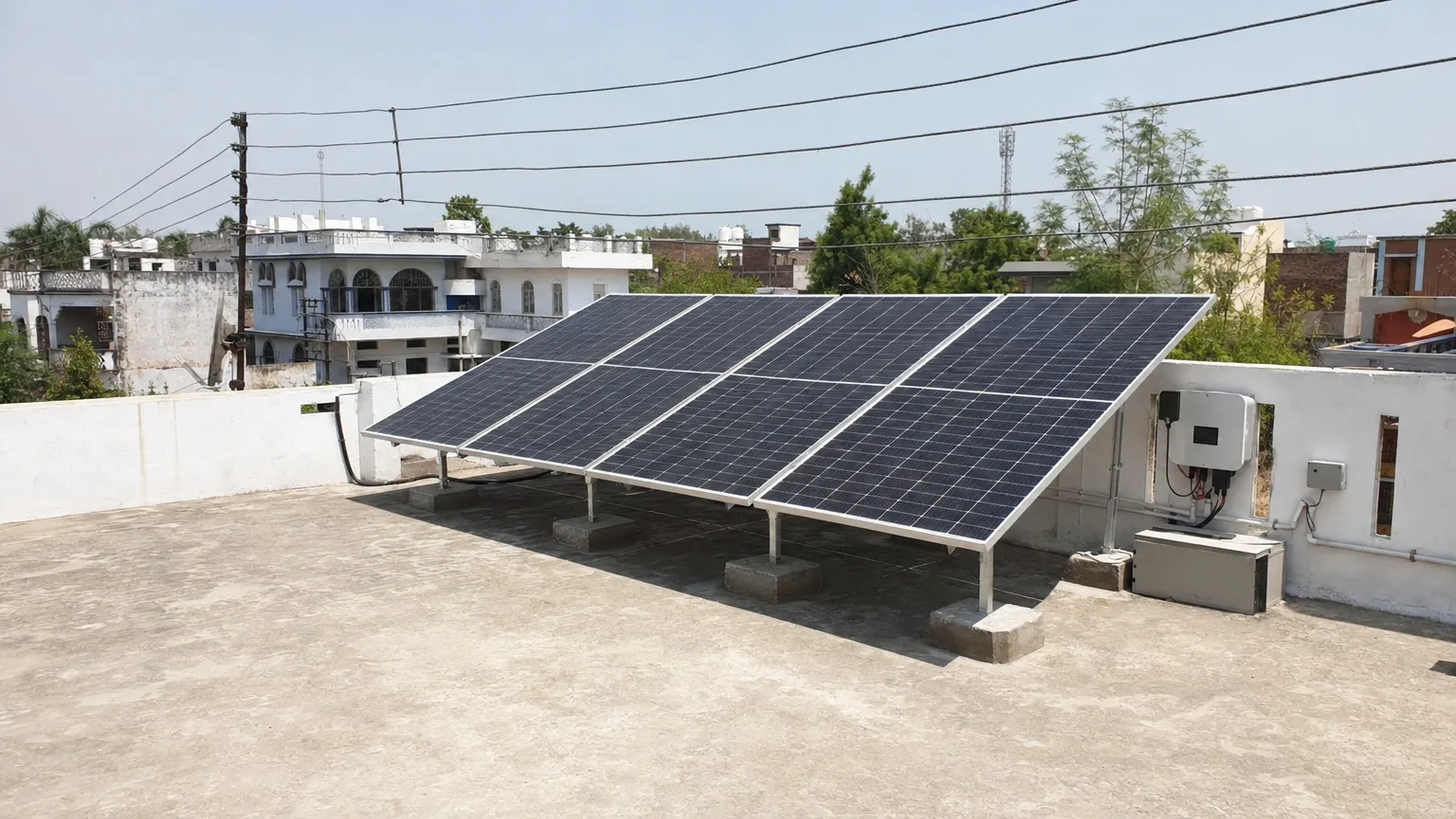
Illustration (AI-generated, not a BL Solar installation): rooftop solar at midday, when a home is most likely to send surplus units to the grid. The year-end settlement is explained in this section.
On your bill, find these five things:
The reading date, and whether the reading is an actual reading.
Import units.
Export units.
Closing Surplus Solar Units.
Energy charge.
The export units on the bill should equal the rise in the meter's export register between the two reading dates. If you have photos of the register near both dates, you can check this yourself. Field names can differ slightly between bill formats, so look for the same meaning, not the exact words.
Match what you see to the likely cause
What you see | What it usually means | What to do |
|---|---|---|
Export register on the meter rises, but the bill shows 0 export | The bill is not using the export reading | Bill correction request, with photos |
Export register rises, but the bill shows fewer export units than the rise | The bill may use an older, stored or estimated reading | Ask which reading date the bill used, then request a correction |
Export register does not move on sunny days, while the inverter shows generation | Meter fault, wiring fault, or the meter is not set up to record export | Meter complaint and a request for a meter test |
Your meter was replaced recently and the surplus units disappeared | The old meter's export reading may not have been recorded | Ask for the meter sealing certificate (see below) |
The April bill shows the surplus back at zero | The year-end reset | Look for the credit line on the April bill. This is expected. |
Stored readings. UPPCL's FAQ explains that when a bill could not be made on time, the units are held as a "stored reading". When the correct reading reaches the billing system, the pending units are added to one bill. That bill can look wrong even when it is not, so compare it with your register photos.
Meter replacement. If your net meter is changed, for example to a smart meter, UPPCL's FAQ says both the import and the export readings (kWh or kVAh) of the old meter must be written correctly on the meter sealing certificate. This keeps your leftover export units safe in the new system. Ask the meter team for a copy of the certificate and check both readings before they leave.
Step 3: Get the bill corrected
UPPCL's website lists these routes (checked 20 November 2026):
Bill Correction Request on the UPPCL consumer portal: https://consumer.uppcl.org/wss/consumer-services/service-request/bill-correction-request
Meter Related Requests on the same portal: https://consumer.uppcl.org/wss/consumer-services/service-request/meter-related-complaints
1912, by phone or through the complaint portal at https://1912.uppcl.org/
The UPPCL Smart App, your DISCOM's WhatsApp chatbot, or your division or sub-division office.
Send these with your complaint:
Account number.
Photos of the import and export registers on two dates.
The bills you are disputing.
Your inverter's total generation.
The date your net meter was installed, and your net metering agreement if you have it.
Write down the complaint number every time.
Asking for a meter test. UPPCL's FAQ says that if you think your meter is wrong, you can apply for a meter test at your division or sub-division office, on uppcl.org, or through 1912. The test is done by fitting a check meter, a second meter that records alongside yours. The central Electricity (Rights of Consumers) Rules, as amended in February 2024, also require the DISCOM to install an additional meter within five days of a complaint that the meter reading does not match actual consumption, and to keep it for at least three months. That rule is written about consumption, so ask in writing that the check meter also records export.
If the DISCOM does not fix it, you can file a complaint with the Consumer Grievance Redressal Forum (CGRF) on UPPCL's CGRF portal: https://cgrf.uppcl.org/
Checklist before you call
Photos of the import and export registers, taken on two different dates.
Your last three bills.
Your inverter's total generation.
Your net meter installation date and agreement.
Your account number.
Not sure what your meter is showing?
Send a photo of your net meter display and your latest bill on WhatsApp to +91 92609 40733, with your name and account number covered. We will tell you which reading is import, which is export, and whether your bill matches.
Related guides:
Sources
- Uttar Pradesh Power Corporation Ltd, "Smart Post-paid Meter FAQ" (Hindi), dated 27 May 2026, questions 15, 20, 24, 26, 33 and 36smartapplink.uppcl.org · Accessed 20 November 2026
- Uttar Pradesh Power Corporation Ltd, consumer services on the UPPCL home pageuppcl.org · Accessed 20 November 2026
- Press Information Bureau, "Electricity (Rights of Consumers) Amendment Rules, 2024", 23 February 2024pib.gov.in · Accessed 20 November 2026
- Ministry of New and Renewable Energy, "Rooftop Solar Regulations of States / UTs as on February 2026", published under What's New on the PM Surya Ghar National Portal (12 March 2026)pmsuryaghar.gov.in · Accessed 20 November 2026
- Ministry of New and Renewable Energy, Operational Guidelines for PM Surya Ghar: Muft Bijli Yojana, component "CFA to Residential Consumers" (7 June 2024, as amended), Annexure 3, technical specifications, section 4 (metering)pmsuryaghar.gov.in · Accessed 20 November 2026
Related guides

BL Solar Solutions
Editorial Team
Published by BL Solar Solutions, a UPNEDA registered rooftop solar installer with 10+ years of experience in Uttar Pradesh.
Comments (0)
Share your thoughts and join the conversation
No comments yet
Be the first to share your thoughts!