How to check a solar vendor in UP before you pay: five checks on official websites
By BL Solar Solutions · Reviewed by Aditya KumarUpdated · 13 sources
In this article (9 sections)
Before you pay any advance to a rooftop solar vendor in Uttar Pradesh, check the vendor on official websites. There are five checks. Find the vendor on the PM Surya Ghar national portal's list of registered vendors for your district. Make sure it is not on the portal's list of deactivated vendors. Look it up on UPNEDA's list of approved firms. Check its GST number on the GST portal. Then, before you approve the agreement in your own portal login, check that it shows the full cost you were quoted. For the first four checks you only need the vendor's name, phone number and GSTIN. This guide walks through each check. For common scams and warning signs, read our guide on how to avoid solar fraud.
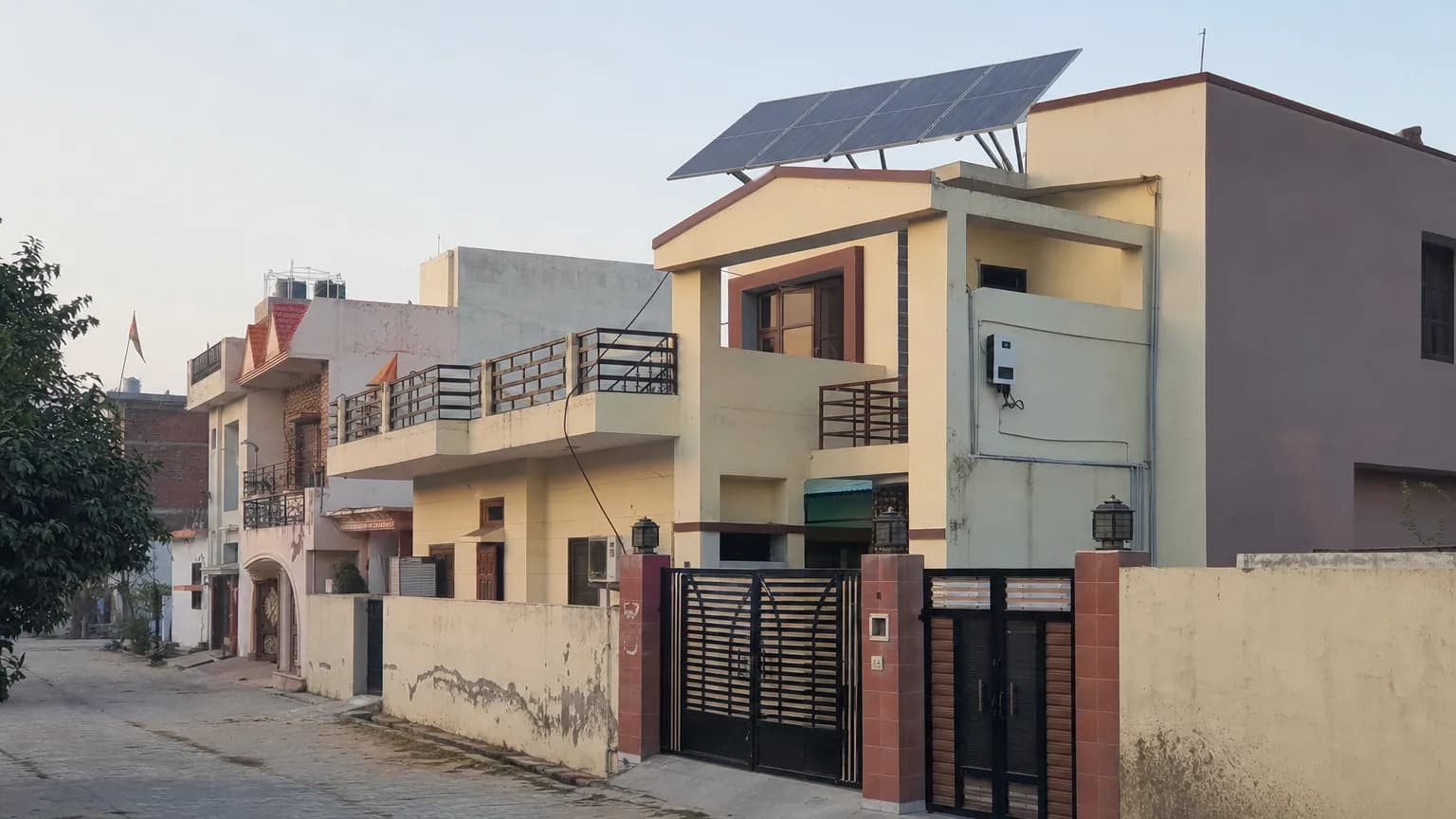
How to check a solar vendor: the five checks at a glance
| Check | Where | What you need | What to look for |
|---|---|---|---|
| 1. Registered on the national portal | pmsuryaghar.gov.in, menu "Consumer", then "Registered vendors" | Vendor's name, your district | Vendor listed for your district, with contact details that match the person you dealt with |
| 2. Not deactivated | pmsuryaghar.gov.in, menu "Vendor", then "List of Deactivated Vendors" | Vendor's name, phone number, email | Vendor not on the list |
| 3. On UPNEDA's list | upneda.org.in, link "Approved Vendors List for Solar Rooftop (Residential)" | Vendor's name or vendor code | Firm name and vendor code match what the vendor gave you |
| 4. GST registration | gst.gov.in, "Search Taxpayer" | Vendor's GSTIN | Status "Active" and the same legal name |
| 5. Agreement and payment | Your own login on pmsuryaghar.gov.in | Your written quote | Total cost matches the quote. Payments go only to the vendor's own account. |
Representative image
Check 1: Find the vendor on the national portal
MNRE's scheme guidelines say a consumer has to choose a vendor registered on the national portal to get the central subsidy. So this is the check that matters most.
- Open pmsuryaghar.gov.in. In the "Consumer" menu, open "Registered vendors".
- Choose "UTTAR PRADESH" as the state and your district, then click "Apply".
- Type the vendor's name in "Search Vendor" and pick it from the suggestions.
Each listing shows the contact person, email, contact number, a rating out of 5 with a number in brackets, total installed capacity in kWp, and number of installations. By default, the list is sorted by installations in the district you chose. Compare the phone number and email with those of the person who approached you. If they differ, call the number shown on the portal and ask whether that person works for the vendor.
If you cannot find the vendor, try another spelling and ask for its legal name. The portal's FAQ says it lists the registered vendors within your DISCOM, and a September 2024 portal notice told vendors that those who did not add their districts of operation and address to their profile would not be visible to consumers for vendor selection. So a vendor may be registered but not listed for your district. Ask the vendor which districts it has registered for.
How to read the rating
MNRE's guidelines say every registered vendor will get a rating based on the size and scale of its installations, quality of equipment, workmanship, service and other criteria, and that the vendor's profile will include consumer feedback. MNRE's Framework for Vendor Rating Programme (2024) adds the detail:
- Consumer feedback is collected through the national portal and the National Call Centre, including a call 2 to 6 months after installation about after-sales service.
- How a vendor handles grievances raised against it on the portal also counts.
- A full rating needs at least 50 installations. Larger vendors are also assessed through sample site inspections and a review of their technical and financial records.
- Vendors evaluated under the framework get a "verified" symbol next to their rating.
The list itself does not say which of these the star figure is. Read it together with the number in brackets and the number of installations. A score based on a few ratings tells you less than one based on hundreds.
Check 2: Make sure the vendor is not deactivated
In the "Vendor" menu, open "List of Deactivated Vendors". It shows each vendor's name, contact number, email, vendor type (State, Multi-State or National), who deactivated it, the date and the reason. The newest entries come first and the list runs over several pages. Look for the vendor's name, phone number and email.
On 21 November 2026, every entry gave its reason as "Standard Deactivation", so the list will not tell you what went wrong. Under MNRE's procedure of 22 June 2026, a vendor that does not answer consumer complaints in time can be deactivated on the portal for one month, and the names of deactivated vendors are shown on the portal. If the vendor appears, ask about it, and check whether it is back on the "Registered vendors" list for your district before you pay anything.
Check 3: Look the vendor up on UPNEDA's list
UPNEDA (Uttar Pradesh New and Renewable Energy Development Agency) is the state's nodal agency under the UP Solar Energy Policy 2022. UPNEDA's published procedure says a firm that wants to work as a vendor through the national portal in UP must apply on UPNEDA's solar rooftop portal. It must upload documents including its registration certificate, GSTIN certificate, PAN and a performance bank guarantee. UPNEDA checks them and forwards the firm to the national portal for approval.
- On upneda.org.in, click "Approved Vendors List for Solar Rooftop (Residential)". It opens the "Approved Firms" page on UPNEDA's solar rooftop portal.
- Choose your district, or "All".
- Use your browser's find tool (Ctrl+F on a computer) to search for the firm's name or vendor code.
The list shows the firm name, vendor code, mobile number, email, district, address, capacity installed, number of plants and approval date. The firm name and vendor code should match what the vendor gave you.
Not on UPNEDA's list? MNRE's guidelines also let vendors register at national or multi-state level, through the scheme's national implementing agency. A December 2025 letter from UP's State Level Bankers' Committee, published on UPNEDA's portal, says the national portal lists all vendors registered at state, multi-state and national level. So a vendor with a national or multi-state registration may not appear on UPNEDA's list. Check 1 is still the one that decides. Ask the vendor which type of registration it holds.
UPNEDA's vendor grading. In December 2024, UPNEDA published a provisional grading of the vendors it had registered, from A++ to D. The grading counted how many systems each vendor had taken up to the subsidy-redeemed stage on the national portal by 26 December 2024. Firms facing action were shown one grade lower. UPNEDA said the grading would be issued every month from January 2025. But on 21 November 2026 the December 2024 notice was the only rating notice on the "What's New" page of UPNEDA's rooftop portal. Treat it as an old snapshot of volume, not quality. A vendor registered after December 2024 will not be in it.
Check 4: Check the GST number
- On gst.gov.in, open "Search Taxpayer", then "Search by GSTIN/UIN".
- Enter the vendor's GSTIN and type the characters shown in the image.
- Click "Search".
The result shows the legal name of the business, trade name, effective date of registration, constitution of business, GSTIN status, taxpayer type, principal place of business and nature of business activities. "Show Filing Table" lists the returns filed.
Look for three things. The status should be "Active". The legal name or trade name should match the name on the portal lists and on your quote. The principal place of business should fit where the vendor says it works. Lists sometimes write the same name slightly differently, for example with "M/S" in front or spaces between initials. That is normal. A different business name is not.
Worked example: checking BL Solar Solutions
This website uses the name BL Solar Solutions. The legal name on its registrations is B.L. Kashyap Enterprises. That difference is common, and it is why you should always ask a vendor for its legal name. Here is how you would check us, the same way you should check any vendor.
| Check | What to enter | What should match |
|---|---|---|
| National portal, "Registered vendors" | Uttar Pradesh, your district, then "Kashyap" in "Search Vendor" | B.L. Kashyap Enterprises, with contact details that match ours |
| National portal, "List of Deactivated Vendors" | Look for the name, phone number and email | Not on the list |
| UPNEDA "Approved Firms" | District "All", then find SPN2511073938 | Firm name B.L. Kashyap Enterprises |
| GST portal, "Search by GSTIN/UIN" | 09JROPK6926H1Z0 | Legal name B.L. Kashyap Enterprises, status "Active" |
| Your agreement on the portal | Nothing to enter | Total cost matches the written quote |
If any of these does not match, ask us why before you pay.
Check 5: Before you approve the agreement or pay
Since September 2026, you must approve the vendor-consumer agreement in your own portal login before installation can go ahead. When the vendor uploads it, the vendor must enter the total cost of the installation, including taxes and all charges. Your application then shows "Agreement sent to Consumer for Confirmation", and you get an SMS, an email and a portal alert. The vendor cannot upload installation details until you approve. The portal told vendors that agreement details, component brands and pricing must match what is on the portal and what is actually installed.
Before you approve, check:
- Total cost. It should match your written quote, taxes included. To see whether the quote is in line with official figures, compare it with the official cost range on our solar panel price page.
- Components. Panel and inverter brands should match the quote.
- Payment schedule. MNRE's model agreement says the cost and payment schedule are agreed between you and the vendor, and you may choose milestone-based payment written into the agreement.
If something is wrong, reject the agreement and write your reason. The vendor sees your remarks and can upload a corrected copy. If the vendor edits the agreement after you approve it, your approval is cancelled and you are asked to approve again.
This step matters for another reason. The portal's FAQ says you can change your vendor only until the agreement is uploaded. A portal announcement adds one more case: for applications without a loan, you can switch vendors if installation details are not submitted within 60 days of the agreement upload.
When you pay. The national portal advises consumers to "exercise due caution and independently verify the vendor's bank account details displayed on" the portal before making any payment. MNRE's guidance for consumers says to pay as per the agreement through secure payment methods, and its guidance for vendors says they must give clear invoices for all payments. In practice, pay by a traceable method, such as a bank transfer, into an account in the vendor's legal name, and keep a receipt for every payment.
Representative image
If something goes wrong after you pay
- Raise a grievance on the national portal. Use the "Grievance" button at the top of pmsuryaghar.gov.in. MNRE's guidelines also allow grievances through the National Call Centre (toll-free 15555) and the portal app. Each grievance gets a tracking ID, and the guidelines say grievances are to be resolved within 30 days.
- Call UPNEDA. Complaints: 1800 180 0005, Monday to Friday, 9:30 am to 6:00 pm. Surya Ghar helpline: 155243, Monday to Saturday, 9:00 am to 6:30 pm.
- For money disputes, use consumer law. MNRE's guidelines say disputes between a consumer and a vendor must be settled between them or under the law, and that MNRE and the DISCOM are not a party to them. The National Consumer Helpline takes complaints on 1915 (toll-free, 8 am to 8 pm) and on WhatsApp at +91 88000 01915. To file a case before a consumer commission, use e-jagriti.gov.in. Its FAQ fee table lists the District Commission for goods or services worth up to Rs 50 lakh, with no filing fee up to Rs 5 lakh. You do not need a lawyer, but a notarised affidavit is required.
MNRE's procedure of 22 June 2026 sets out what happens to a vendor after a grievance. The complaints it covers include incomplete installation or no installation despite an advance or full payment, delays after payment, missing certificates, warranties or agreements, and installations that do not meet MNRE's specifications.
| Days after the grievance (total) | What happens to the vendor |
|---|---|
| 0 | The portal emails the vendor asking for an explanation |
| 8 | Reminder if there is no reply |
| 15 | Show cause notice warning that the vendor's portal account will be deactivated for one month |
| 30 | If there is still no reply, or the reply is not satisfactory, the agency that registered the vendor deactivates it for one month |
The vendor can appeal within 30 days. If the reply is satisfactory, it is reactivated. Otherwise it stays deactivated. Keep your agreement, receipts and application number together, because you will need them for any of these routes.
Planning rooftop solar?
If you want a quote from BL Solar Solutions, send a photo of your roof and your latest electricity bill on WhatsApp to +91 92609 40733 to arrange a site survey. Check us first, the same way as any other vendor.
Related guides:
Sources
- PM Surya Ghar: Muft Bijli Yojana National Portal: home page announcements (vendor bank details, vendor change after 60 days, National Call Centre 15555), "Registered vendors" page, "List of Deactivated Vendors" page and FAQ (questions 4, 5 and 10)pmsuryaghar.gov.in · Accessed 21 November 2026
- MNRE, Operational Guidelines for PM Surya Ghar, CFA to Residential Consumers (7 June 2024, amended to 31 August 2026): sections 6(c), 6(d), 7, 10(d) and 11, and Annexure 2 (model vendor-consumer agreement)pmsuryaghar.gov.in · Accessed 21 November 2026
- MNRE, Vendor Rating Programme framework (2024), Guidance Frameworks for Residential Consumers and for Vendor Operations (2024), and portal notice on vendor districts of operation (September 2024), under What's Newpmsuryaghar.gov.in · Accessed 21 November 2026
- MNRE, Office Memorandum of 22 June 2026, Standard Operating Procedure for addressing consumer complaints regarding vendor violations, and portal notice "Consumer Verification of Agreement Upload" (23 September 2026), under What's Newpmsuryaghar.gov.in · Accessed 21 November 2026
- UPNEDA, home page (link to the approved vendors list, Surya Ghar helpline and complaint numbers)upneda.org.in · Accessed 21 November 2026
- UPNEDA Solar Rooftop Portal, "Approved Firms" listupnedasolarrooftopportal.com · Accessed 21 November 2026
- UPNEDA, procedure for registering vendors through the national portal (Hindi)upnedasolarrooftopportal.com · Accessed 21 November 2026
- UPNEDA, office memorandum on vendor rating under PM Surya Ghar, 28 December 2024upnedasolarrooftopportal.com · Accessed 21 November 2026
- State Level Bankers' Committee (UP), letter of 17 December 2025 on recognising multi-state and national registered vendors (published by UPNEDA)upnedasolarrooftopportal.com · Accessed 21 November 2026
- Government of Uttar Pradesh, Uttar Pradesh Solar Energy Policy 2022, sections 4.19 and 6 (hosted by UPNEDA)upneda.org.in · Accessed 21 November 2026
- Goods and Services Tax Network, "Search Taxpayer" (search by GSTIN/UIN)services.gst.gov.in · Accessed 21 November 2026
- Department of Consumer Affairs, National Consumer Helplineconsumerhelpline.gov.in · Accessed 21 November 2026
- Department of Consumer Affairs, e-Jagriti FAQ (questions 2 to 4)e-jagriti.gov.in · Accessed 21 November 2026
Related guides

BL Solar Solutions
Editorial Team
Published by BL Solar Solutions, a UPNEDA registered rooftop solar installer with 10+ years of experience in Uttar Pradesh.
Comments (0)
Share your thoughts and join the conversation
No comments yet
Be the first to share your thoughts!